
|
HowTo /
DisplaySettings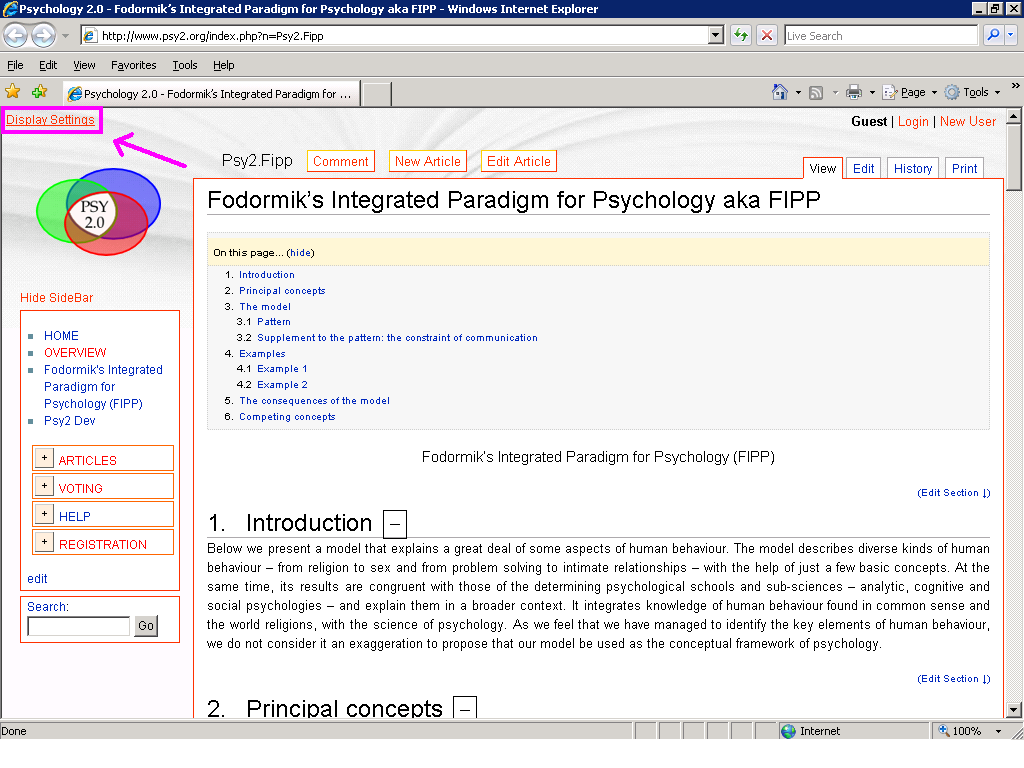 In the top left corner you find Display Settings, a control panel that allows you to set how much details you would like to see from an article. There are two main options:
If you choose 'Text', you can make the not-core parts of the text hide. This option is recommended to those who are familiar reading scientific publications. Some are disturbed by the too many links and multimedia that you find on the internet. You can make them hide. Note that the links pointing to other psy2.org articles will not disappear, just the external links. |